
Below are resources for gaming, desktop & laptop PCs to help with testing, diagnostics, benchmarks and other links such as drivers.
Drivers
Nvidia:
Nvidia App – (Automatically installs drivers)
Nvidia Game Ready Drivers – Latest Version Desktop – Latest Version Laptop
Nvidia Game Ready Drivers – 582.66 (for older GTX/GeForce cards)
Nvidia Manual Driver Search – Click Here
AMD:
AMD Radeon Drivers
BIOS Updates / Motherboard Drivers
ASRock – Click Here
ASUS – Click Here
Gigabyte – Click Here
MSI – Click Here
RGB Controller Software
Gigabyte – Gigabyte Control Center
Gigabyte – RGB Fusion 2.0
ASUS – Armoury Crate / Aura Creator
ThermalRight – TRCC Control Software
CPU/GPU Temperature Monitoring
NZXT CAM
Benchmarking Software
Unigine Heaven
3DMARK
Geekbench
PassMark
Memory Testing / Diagnostics
MemTest86
SSD / HDD Health Check / S.M.A.R.T. Info
CrystalDiskInfo
Battery Testing
BatteryInfoView
Bootable USB Creation Tool
(this is required if you are using tools such as MemTest86)
Rufus
Gaming PC Products we use and recommend
ThermalRight Peerless Assassin 120 SE
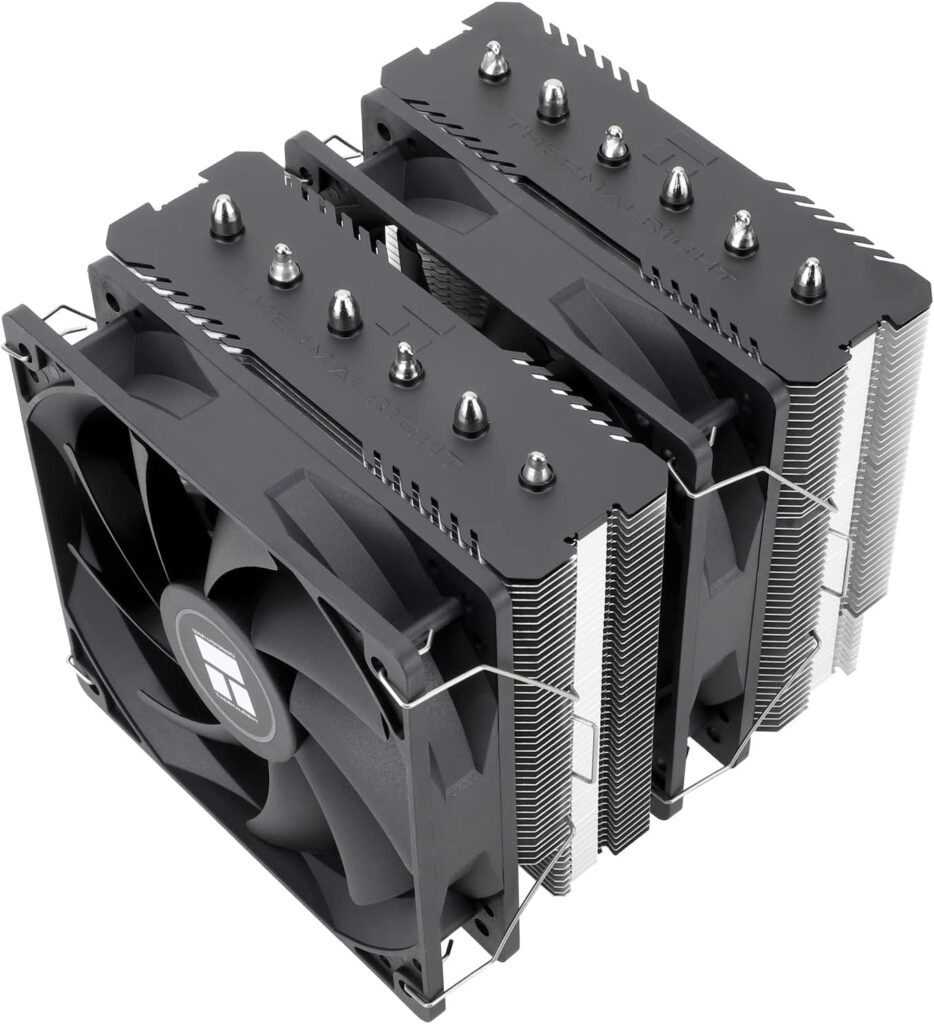
Why We Like it: The ThermalRight Peerless Assassin 120 SE features a dual heatsink design and has two fans (one for each heat sink). This performs better than many AIO coolers. The best part is this cooler consistently sells for less than $40!
Check it out on Amazon
ThermalRight TR Peerless Assassin 120 Digital ARGB
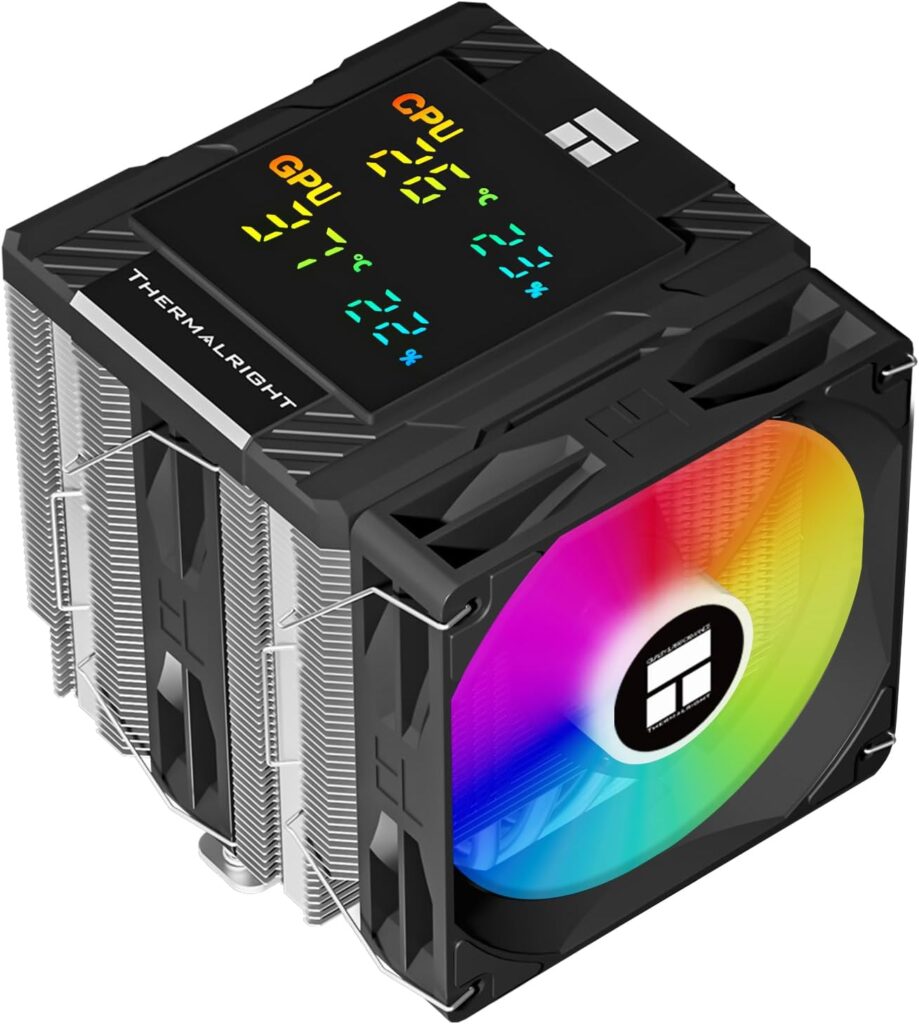
Why We Like it: The ThermalRight Peerless Assassin Digital ARGB takes the original design one step further and adds ARGB fans and a digital display that shows you the CPU & GPU temps as well as the total load. You get all this for only $10-$15 more than the original Peerless Assassin. They also have this cooler available in white to match your build.
Check it out on Amazon
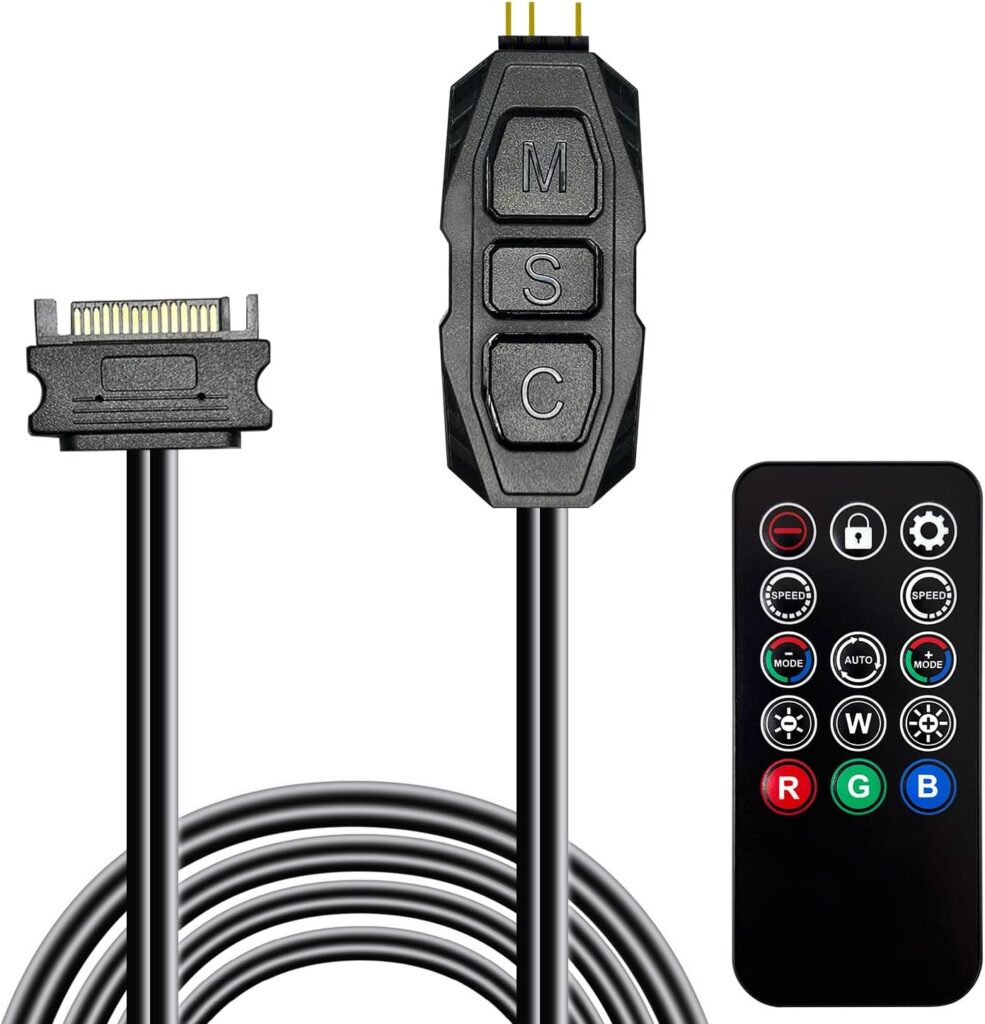
Why We Like it: Add ARGB to your non-ARGB system for less than $15 bucks! This is plug-and-play and it even comes with a remote. All you need is a SATA power connector and you are good-to-go.
Check it out on Amazon
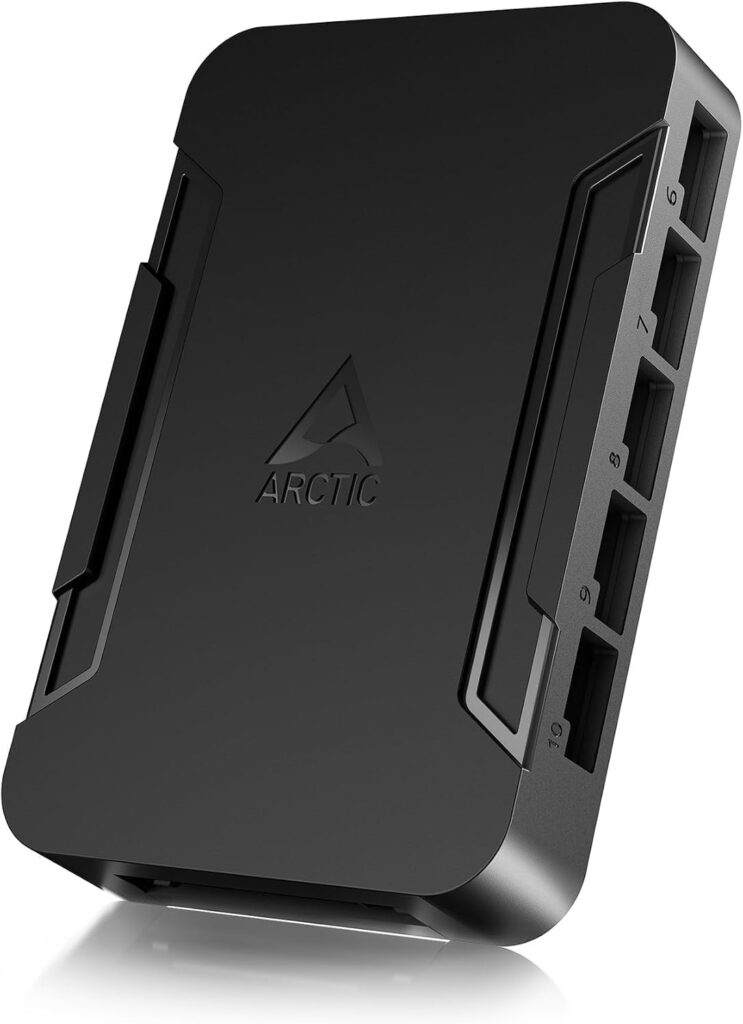
Why We Like it: Very easy and cheap solution for powering case fans. If you are adding several case fans to your rig…the last thing you want to do is daisy chain them and connect them all to a single fan port on your motherboard. Doing this will overload your motherboard and damage it! Some cheaper motherboards only have 3-4 case fan ports. The Arctic Fan controller that allows you to connect up to 10x fans which are powered by a SATA power connector. This fan hub can be had for less than $15.
Check it out on Amazon
ThermalRight 5 Pack 120mm ARGB Case Fans
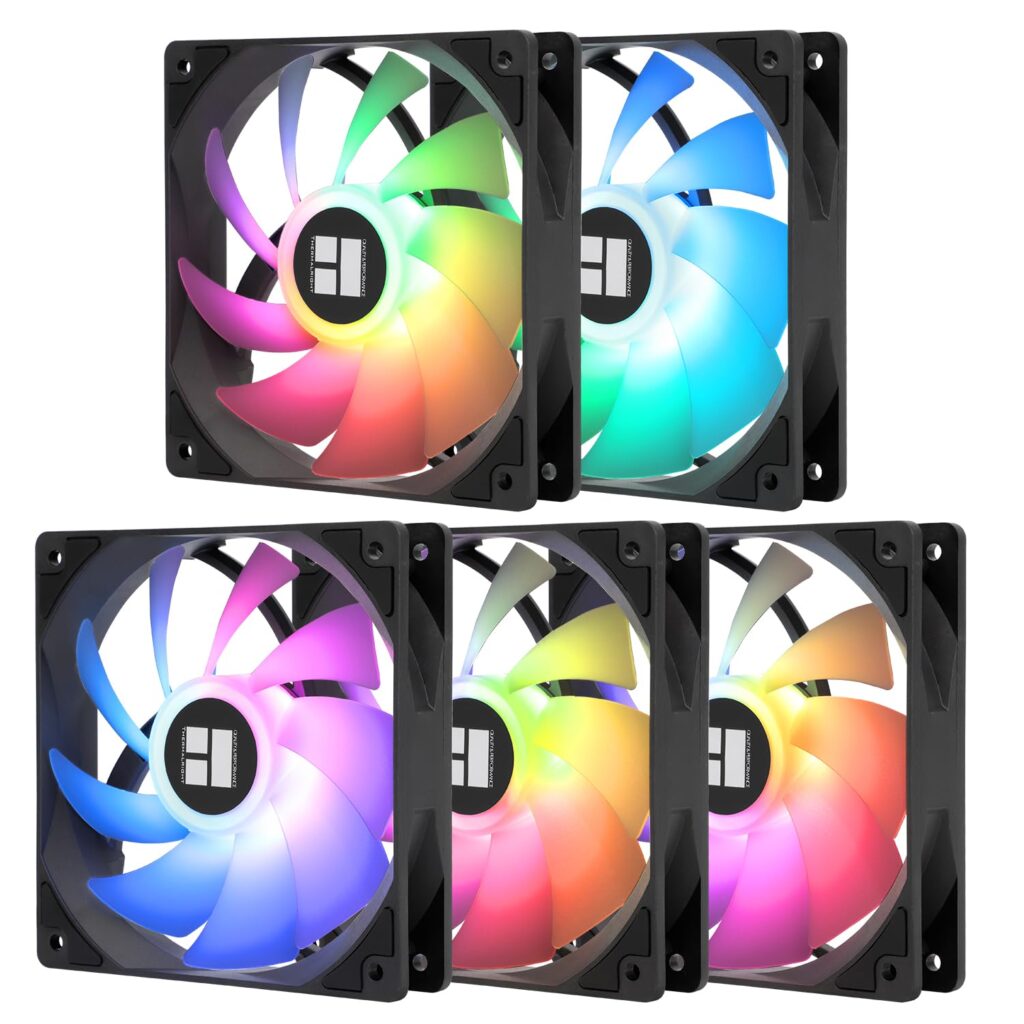
Why We Like it: For around $20 bucks you can add 5x ARGB case fans to your rig. You can also daisy chain fans so you don’t need fan power splitters. These fans are super silent and are a great upgrade to your current rig or a new build.
Check it out on Amazon