
How to factory reset your Chromebook
(also referred to as ‘Powerwash’)
1. Sign out of Chromebook
2. press and hold Ctrl + Alt + Shift + r
Remote Desktop Connection:
https://remotedesktop.google.com/support
Compatible Chromebook Printers
https://support.google.com/chromebook/answer/12403345?sjid=15727937568098840191-NA
How to check battery health
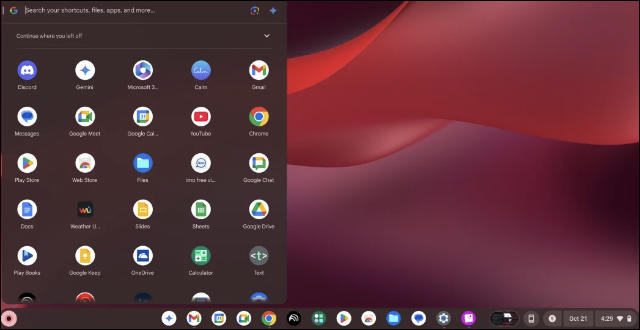
1. Click the Launcher (circle icon bottom left)
2. Type ‘Diagnostics’
3. Under System look for ‘Battery Health’ and ‘Cycle Count’